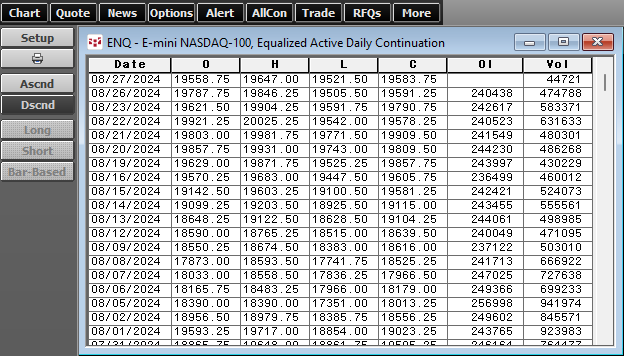
Integrated Client Customers can export 1,000 daily bars (previous limit was 300) of chart data to Excel:
•Using Excel/RTD functions
•Right-click the chart and select “Export to Excel”
•Copy to the clipboard from the Chart/Tabular Display.
In addition, API customers can now pull more historical daily bars.
•API Historical 1,000 Daily Bars
•API Hist Extended 4,000 Daily Bars
•API Hist Ext. Plus 10,000 Daily Bars