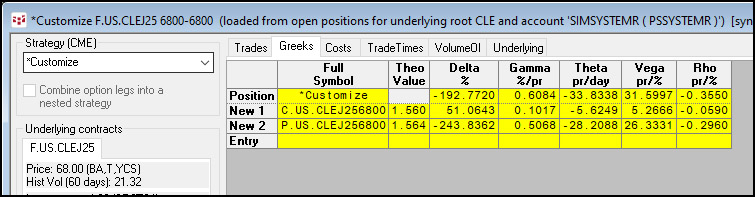
Once a strategy has been saved it can be easily reused by reloading it into the Strategy view
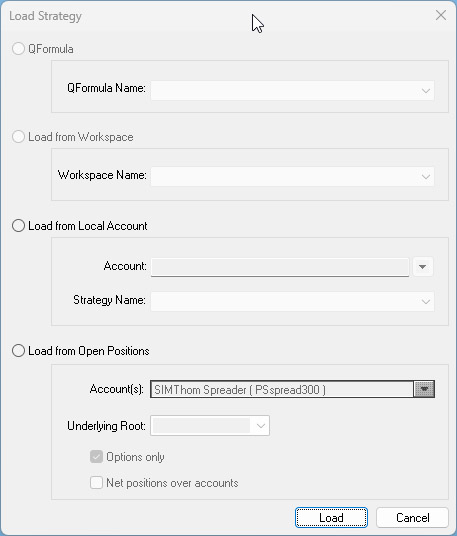
1. Click the Load button.
2. Select either QFormula, Workspace, Local Account, or Open Position.
3. Choose the strategy from the drop-down menu.
4. Click Load.
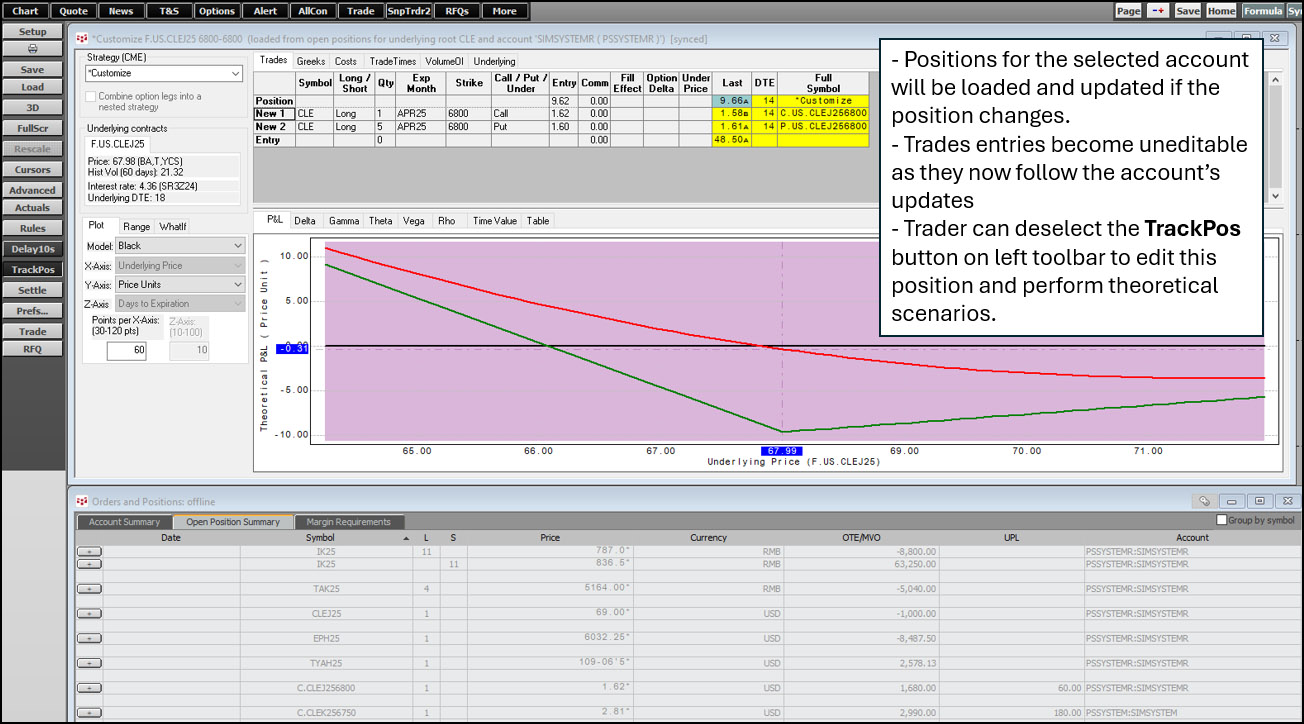
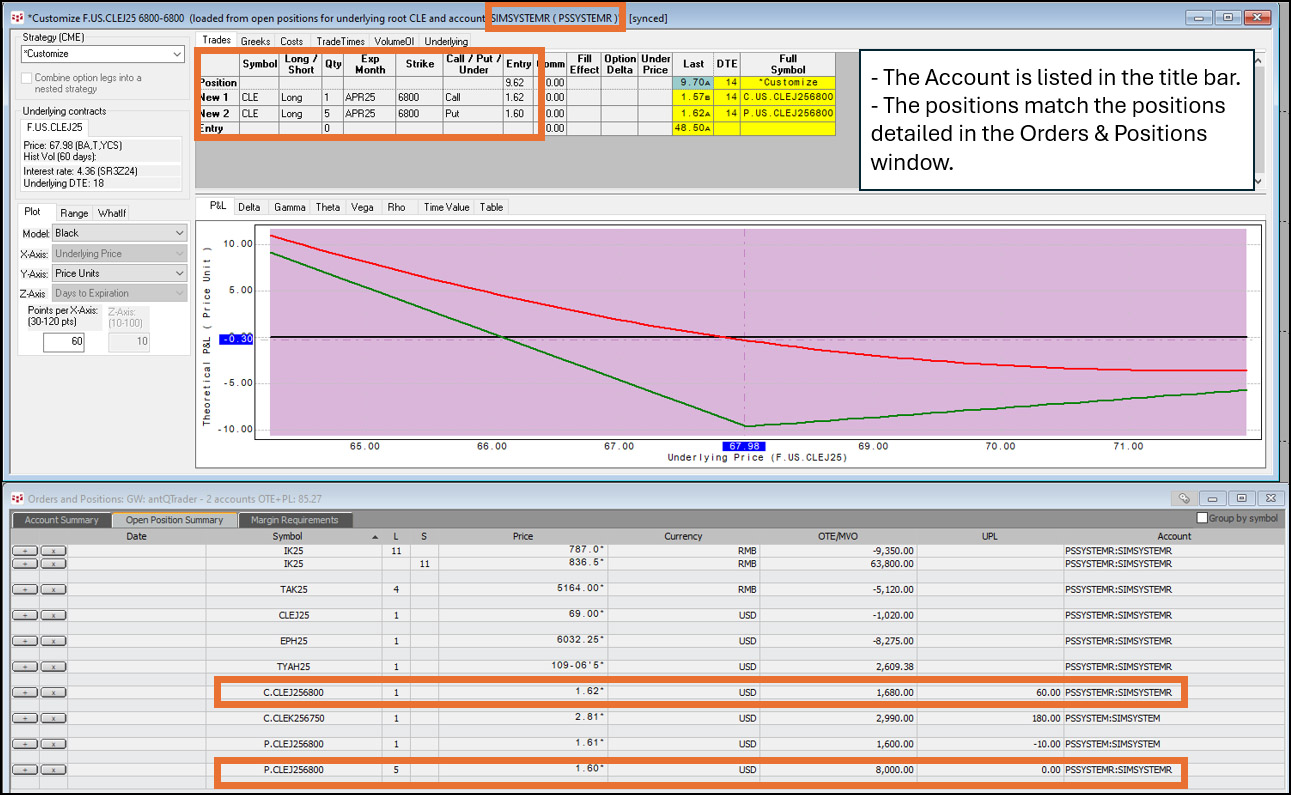
If loading from “Open Position”:
•Ability to select one or multiple accounts
•One underlying symbol per window
•Ability to load both options and futures or “Options Only”
•Choice between gross and net positions if multiple accounts are selected
Select the Greeks tab for further analysis.