There are a number of functions for pulling and saving back office order details. The AverageEntryPrice and the OpenPosition functions were covered in the tutorial.
•=AverageEntryPrice()
•=ClosedNetProfit()
•=CsvFills()
•=CsvTrades()
•=OpenPosition()
•=OpenTradeEquity
Open Trade Equity and Closed Net Profit
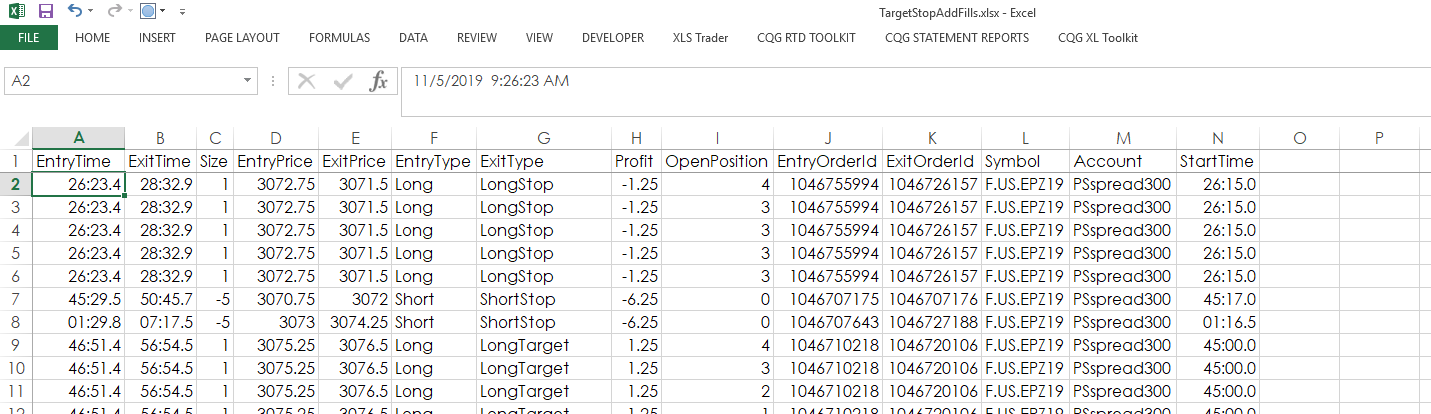
Open Trade Equity can be tracked for an entry, side or the trading system. The units returned can be money (which is the default), price or ticks (times the number of contracts).
The MarketPrice parameter is a cell reference that is using an RTD formula for the last trade.
=OpenTradeEquity(E10,B6,"Total",C10,B8,"Money")
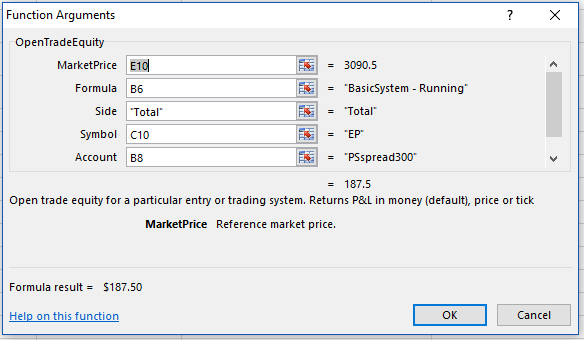
Closed Net Profit returns closed profit or losses for an entry, exit or trading system.
= ClosedNetProfit(B6,C10,C8)
CSV Fills (Comma-Separated Values)
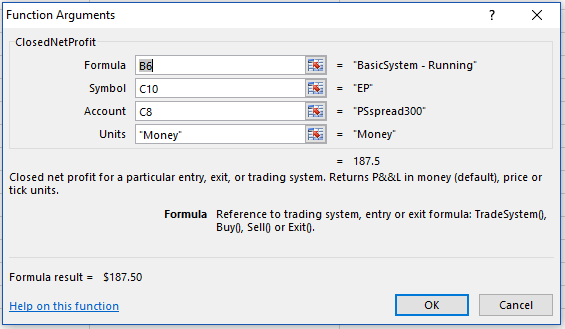
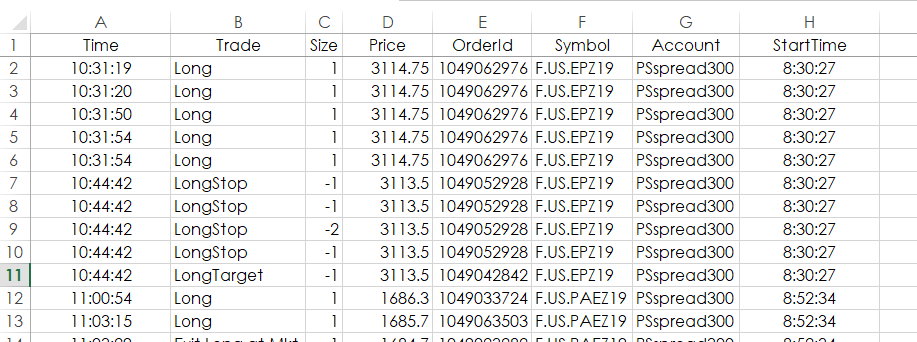
You can create a listing of all fills and have the listing posted to a worksheet. In the example, the worksheet is named Fills.
CsvFiles() Separator parameter is an optional string value in quotes. It sets a character separator for csv data. It shall be one of the following values:
•"tab" (case insensitive) for tabulation
•"," for comma
•";" for semicolon
•"|" for pipe character
Default value is "tab".
The DirPath parameter is the location of the csv file.
=CsvFills(TargetStopSys,1,"C:\Users\Public\Documents\CQGNet\Log",",","Fills")
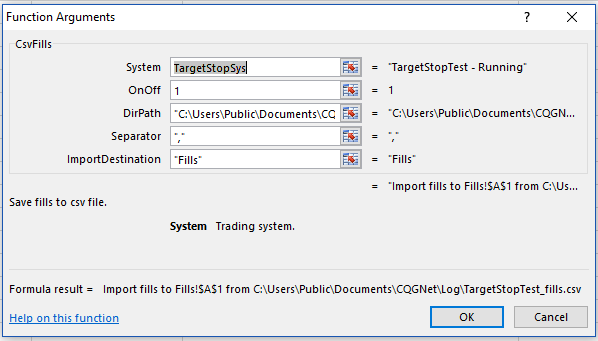
This is how the fill data will look in the worksheet.
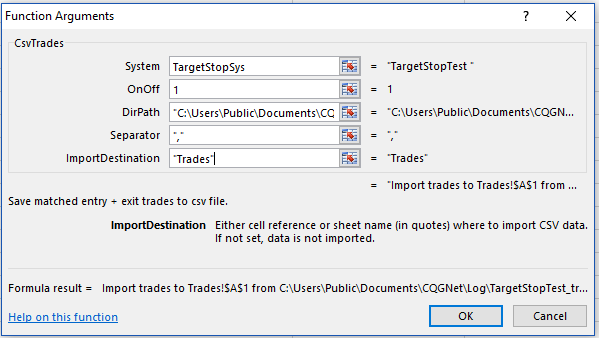
The next function enables XLSTrader to save all “matched entries and exits” to an Excel csv file in a specified directory on the user's machine.
=CsvTrades(TargetStopSys,1,"C:\Users\Public\Documents\CQGNet\Log")
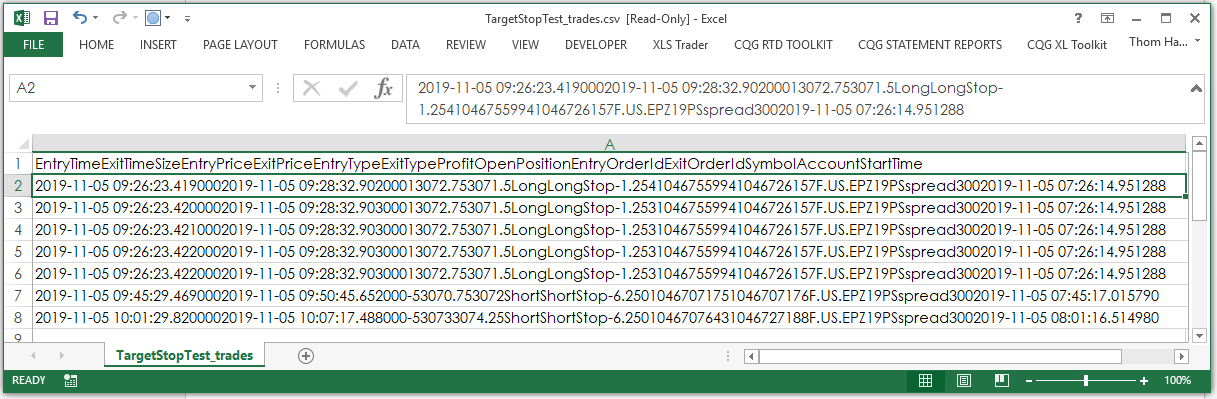
Here is a list of the fields from the saved Excel CSV file:
•EntryTime
•ExitTime
•Size
•EntryPrice
•ExitPrice
•EntryType
•ExitType
•Profit
•OpenPosition EntryOrderId
•ExitOrderId
•Symbol
•Account
•StartTime
The CSV Trade file opened in Excel:
In addition, the last parameter, ‘ImportDestination” will automatically update a Sheet in Excel.
For example the Sheet is named “Trades.” All matched entries and exits will automatically be updated in the Trades sheet.
=CsvTrades(TargetStopSys,1,"C:\Users\Public\Documents\CQGNet\Log",",","Trades")