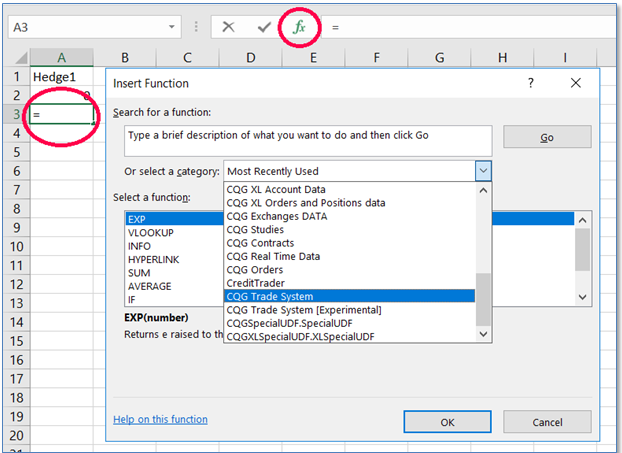
A great way to familiarize oneself with the available XLS Trader functions is to browse the function wizard by selecting an empty cell and either clicking the function button to the left of the formula bar or selecting key combination Shift+f3.
Then in the dropdown, select the “CQG Trade System” category.
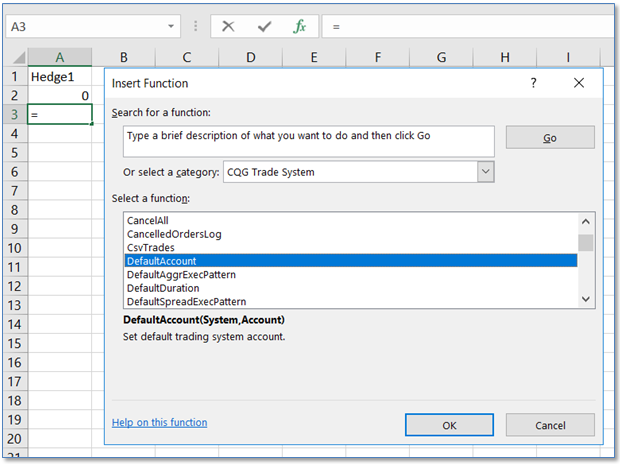
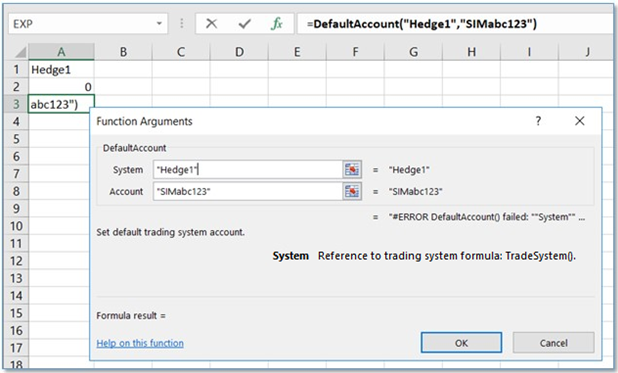
This is an easy way to browse all functions when you are not sure which one you need, and it may provide a little more information on the function when you select one and hit “OK.” Some people may find it easier to populate parameters for functions using the wizard.