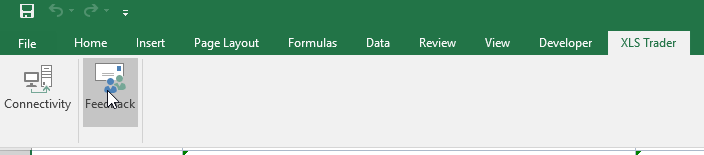
Once installed, XLS Trader appears on the Command Bar. There are two features: Connectivity and Feed Back.
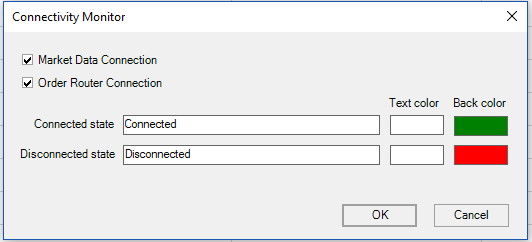
“Connectivity” uses the =IsMarketDataConnected()+IsOrderRouterConnected() functions in a cell and if they are true you see connected. You can use a formatting of your choice.
The “Feedback button” is for reporting issues. This is not for requesting support or requests for training. Please contact your CQG Product Specialist for assistance.
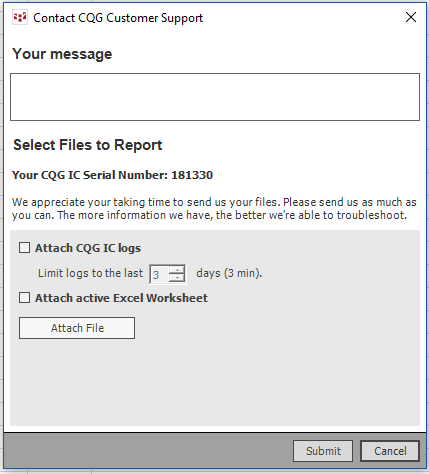
If you select Feedback, you will see this dialog below. Fill in the issue in “Your Message” box, check off attach the Excel spreadsheet and check off attach logs. Providing screen captures will be very helpful by clicking attach files and browsing to the file. CQG considers your work to be proprietary and will not be shared.